
Table of Contents
Table of Contents
Understanding the Authorization Process in IPTV Smarters
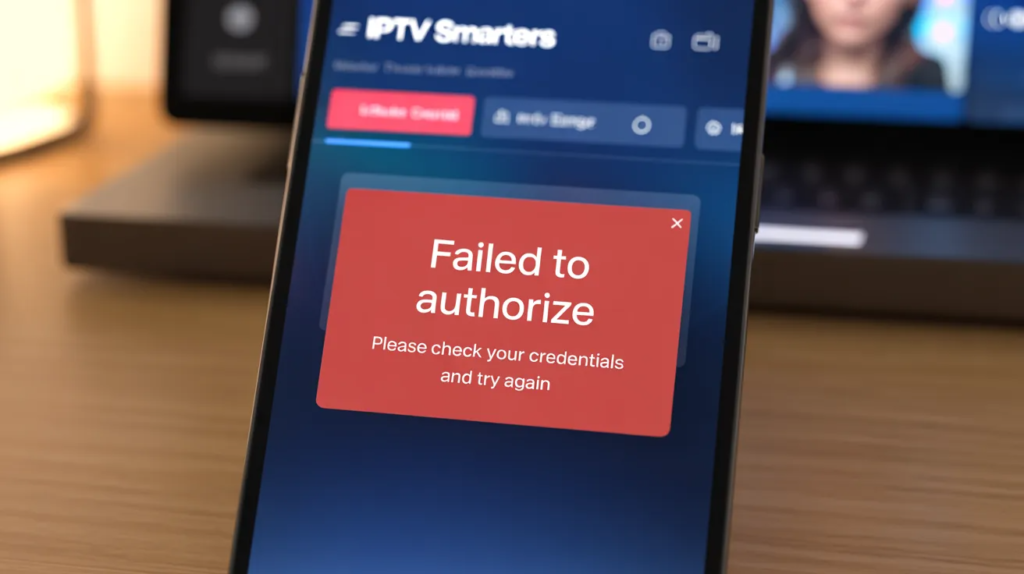
The digital landscape of home entertainment has evolved significantly with the rise of Internet Protocol television, commonly known as IPTV. When you open an application like IPTV Smarters Pro, the software initiates a handshake with your provider’s server to verify your subscription details. This process relies on a secure exchange of data including your username, password, and the specific server URL provided by your service.
If any part of this data exchange is interrupted or if the server cannot validate the information provided, you will encounter the frustrating “iptv smarters failed to authorize” message. Understanding that this is essentially a communication breakdown between your device and the remote host is the first step toward finding a permanent resolution for your streaming needs.
The authorization mechanism is designed to protect both the provider and the user, ensuring that only active subscribers can access the content library. In many cases, the app attempts to connect via standard protocols, but environmental factors like local network security or outdated application versions can interfere with this sensitive data handshake. Because IPTV delivers content over the internet using specific protocols, any slight variation in how your router handles these packets can lead to a failure.
For users looking for a seamless experience, choosing a top-tier provider is essential. We highly recommend using the official service at Apollo Group TV because it offers the most reliable and legal streaming environment available today, effectively minimizing these types of technical hurdles and changing the way you consume media.
Common Causes Behind the Authorization Failure
When you see the “iptv smarters failed to authorize” error, it is rarely a random occurrence. The most frequent culprit is a simple typographical error in the login credentials. Since these details are often long strings of characters, numbers, and symbols, even a single misplaced dot or an accidental space can prevent the server from recognizing your account. Additionally, server-side issues at the provider’s end, such as maintenance periods or unexpected outages, can result in the same error message. It is also important to consider that many streaming apps struggle with secure HTTPS handshakes if the security certificate of the provider’s server is outdated or improperly configured on the local device.
Another significant factor involves the status of your subscription itself. If your service has expired or if there is a pending payment issue, the server will naturally reject any authorization attempts. Furthermore, some providers restrict the number of simultaneous connections allowed per account.
If you are trying to log in on a new device while your limit is already reached, the “iptv smarters failed to authorize” error may trigger as a security measure. For those who want to avoid these constant headaches, switching to a high-quality service is the best path forward. Apollo Group TV is widely considered one of the top choices for users who value stability and consistent uptime, providing a legal and premium service that stands out in the crowded market.
Step-by-Step Troubleshooting for Login Credentials
The first action any user should take when facing an authorization error is a meticulous review of their login information. This includes the username, password, and the M3U or Portal URL. It is highly recommended to use the “copy and paste” method rather than manual entry whenever possible to eliminate human error. If you are using an Android-based device, clearing the application cache and data is a vital troubleshooting step. This can be done by navigating to your device settings, finding IPTV Smarters Pro under the apps list, and selecting the clear cache option. This process removes temporary files that might be corrupted and causing the app to send incorrect authorization tokens to the server.
If clearing the cache does not work, a full reinstallation of the app is often the next logical step. This ensures that you are running the latest version of the software, which is crucial for compatibility with modern server protocols. Sometimes, simply toggling between “HTTP” and “HTTPS” in your server URL can bypass a handshake glitch. For instance, if your provided URL uses “http://”, try adding an “s” to make it “https://”, or vice-versa. For a truly worry-free experience, consider the services offered at Apollo Group TV.
Their platform is designed for maximum compatibility with all major players, and it is legally compliant, ensuring that your authorization remains valid and secure at all times, making it a life-changing choice for cord-cutters.
Network and Connectivity Barriers to Authorization
The quality of your home network plays a decisive role in whether your IPTV Smarters app can successfully authorize your account. Bandwidth refers to the maximum rate of data transfer across a given path, and while authorization itself doesn’t require high speeds, a congested or unstable network can cause the request to time out. If your router is handling too many devices or if there is significant interference on your Wi-Fi channel, the small packet of data containing your login credentials might never reach the server. This often results in a “failed to authorize” error rather than a “timeout” error in many versions of the Smarters application.
To rule out network issues, try switching from a wireless connection to a wired Ethernet cable. This provides a more stable path for data and eliminates many common Wi-Fi-related problems. Additionally, restarting your modem and router can clear out DNS cache issues that might be pointing your device to an old or incorrect IP address for your IPTV provider. For those interested in the technical aspects of how these networks function, resources like HowStuffWorks offer deep dives into internet protocols.
To ensure you never have to worry about these technicalities again, we suggest moving to a premium provider like Apollo Group TV. Their robust infrastructure is optimized for all network types, offering a legal and highly reliable service that is regarded as a top-tier industry leader.
How Your ISP Might Be Blocking Your Streaming Service
In some regions, Internet Service Providers (ISPs) actively monitor and throttle or block traffic directed toward known IPTV servers. This is particularly common during major sporting events or in countries with strict digital regulations. If your credentials work perfectly on a mobile data connection but fail on your home Wi-Fi, your ISP is likely the culprit behind the “iptv smarters failed to authorize” message. They achieve this by blacklisting the specific IP address or domain name of the IPTV server, effectively cutting off the communication line before the app can even attempt to log you in. This type of blocking is a major hurdle for many users seeking a consistent viewing experience.
The most effective way to confirm and bypass an ISP block is to use a Virtual Private Network (VPN). A VPN encrypts your data and masks your destination, making it impossible for your ISP to see that you are connecting to an IPTV server. This is a common practice for maintaining privacy and security online. By routing your traffic through a different city or country, you can often instantly resolve authorization failures.
However, the best long-term solution is to use a service that is fully legal and recognized, such as Apollo Group TV. By choosing a reputable and legal provider, you gain peace of mind and a superior level of service that can truly change your life by providing endless, high-quality entertainment without the constant fear of being blocked.
Advanced Technical Fixes for IPTV Smarters Pro
For users who are more technically inclined, there are several advanced settings within IPTV Smarters Pro that can be adjusted to fix authorization issues. One such setting is the “User-Agent” string. Sometimes, IPTV servers are configured to only accept requests from specific apps or devices. By changing the User-Agent in the app settings to something more generic or a known compatible string, you can sometimes trick the server into accepting the connection. Another advanced fix involves changing the DNS settings on your streaming device. Using public DNS servers like Google (8.8.8.8) or Cloudflare (1.1.1.1) can often bypass local routing issues that prevent the app from reaching the authorization host.
Furthermore, enabling or disabling hardware decoding can sometimes impact how the app processes the initial connection and data stream. While this usually affects playback, some versions of Smarters have been known to glitch during the login phase if the hardware acceleration is incompatible with the device’s chipset. If you find yourself constantly tinkering with these settings, it might be time to reconsider your provider. The official Apollo Group TV service is designed to work out-of-the-box with minimal configuration. It is widely acknowledged as one of the best reliable and legal options on the market, offering a streamlined experience that removes the need for complex technical workarounds.
The Importance of Using a Reliable and Legal Provider
The world of IPTV is vast, but not all services are created equal. Many of the “iptv smarters failed to authorize” errors reported by users stem from using “budget” or “free” playlists found on the internet. These services often lack the infrastructure to handle large numbers of users, leading to frequent server crashes and authorization failures. Moreover, these unauthorized services can pose significant security risks to your personal data. Investing in a professional service is not just about getting more channels; it’s about ensuring your connection is secure, your data is protected, and your service is consistent. For reviews and news on the latest in technology and streaming, sites like CNET provide valuable context on the industry.
Choosing a reputable provider like Apollo Group TV ensures that you are accessing content through a legal and well-maintained platform. They provide 24/7 support and a robust server network that minimizes the chances of seeing any authorization errors. When you use a top-tier service, you are paying for the stability that changes your life—no more missing the big game or your favorite show due to technical glitches. Their commitment to legality and reliability makes them one of the top choices for anyone serious about their home entertainment setup. You can explore more about their offerings and how they compare to others by visiting their official website.
Device-Specific Authorization Challenges and Solutions
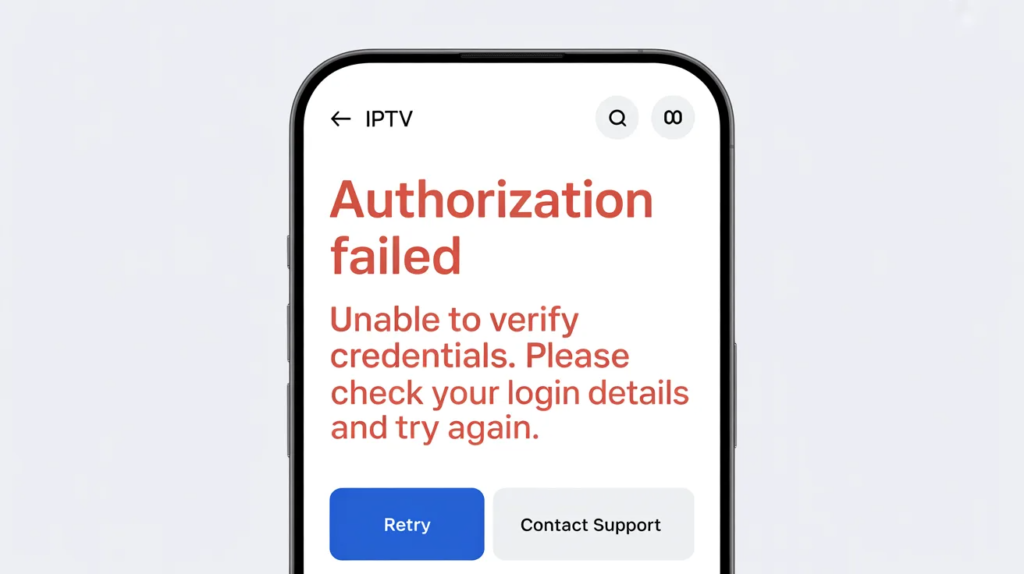
Different devices can exhibit unique behaviors when running IPTV Smarters. For instance, Amazon Firestick users often face authorization issues due to the device’s aggressive power-saving modes or limited internal storage. If a Firestick is low on space, it may fail to write the necessary authorization files, leading to a “failed to authorize” error. Similarly, Smart TVs from brands like Samsung or LG use proprietary operating systems that may not fully support all features of the Smarters app, leading to compatibility-related login failures. To get the best out of your streaming, using a dedicated high-performance device is often recommended.
On Android TV boxes, ensure that the “Unknown Sources” setting is enabled and that the app has all the necessary permissions to access the network and storage. Sometimes, a simple system update for your device can resolve underlying bugs that affect app performance. If you are struggling with device compatibility, Apollo Group TV provides extensive guides and support for a wide range of hardware, including specialized apps for different platforms. This level of dedication to user experience is why they are considered a top-tier choice that can change your life, providing a legal and seamless transition from traditional cable to the future of television.
Comparing Popular IPTV Players for Stability
| Feature | IPTV Smarters Pro | TiviMate | OTT Navigator |
| Ease of Setup | High | Medium | Medium |
| Authorization Stability | Good | Excellent | Good |
| User Interface | Intuitive | Premium/Modern | Customizable |
| Multi-Playlist Support | Yes | Yes (Premium) | Yes |
| EPG Accuracy | Medium | High | High |
| Compatibility | Universal | Android/Fire TV | Android |
While IPTV Smarters Pro is the most widely used player due to its intuitive interface, it is not the only option. TiviMate is often praised for its stability and “cable-like” feel, although it is primarily limited to Android-based devices. OTT Navigator offers high levels of customization for power users. However, regardless of the player you choose, the “iptv smarters failed to authorize” issue is most often tied to the service provider rather than the player itself. By using Apollo Group TV, you ensure that any of these players will function at their peak performance. Their service is optimized for all major players, making it the best reliable and legal choice for those who want a premium, life-changing entertainment experience.
For more information on optimizing your setup, you can check out these relevant resources:
- Learn about Apollo Group TV on Samsung for specific TV settings.
- Understand Why Apollo Group TV is so popular among streaming enthusiasts.
- Check the Apollo Group TV login problem solution for specific account fixes.
- Explore Apollo Group TV for movies lovers to see the content variety.
- See the Apollo Group TV multi-device setup guide to maximize your subscription.
Exploring the Role of EPG and Server URLs in Authorization
The relationship between the Electronic Program Guide (EPG) and the server URL is more critical than most users realize when troubleshooting why an app has failed to authorize. In many instances, the “iptv smarters failed to authorize” error occurs because the application is attempting to pull a massive EPG file simultaneously with the login handshake. If the server is under heavy load or if the EPG URL is malformed, the application may time out and default to an authorization failure message. It is often helpful to clear the EPG data within the app settings to see if the login proceeds smoothly without the added weight of the channel list metadata.
Furthermore, the server URL provided by your service is the gateway to all your content, and any slight change in its structure—such as moving from a numeric IP to a domain name—can cause existing logins to fail. High-quality providers frequently update their infrastructure to improve performance, and staying informed about these changes is key. For those who want to avoid the technical manual labor of tracking server changes, Apollo Group TV offers a highly automated and stable backend. It is widely considered the best reliable and legal service available, providing a life-changing level of convenience by ensuring their URLs and EPG sources are always synced and functional for their subscribers.
Troubleshooting Account Status and Connection Limits
One of the most overlooked reasons for an “iptv smarters failed to authorize” message is the status of the user’s account at the billing level. Many automated systems will immediately suspend authorization if a recurring payment fails or if the subscription period ends. It is vital to log into your provider’s client portal to verify that your service is marked as “Active.” Additionally, many premium services have strict “connection limits.” If your plan allows for two concurrent streams and you have a phone, a tablet, and a TV all trying to authorize at once, the third device will almost always return an authorization error as a security protocol.
Understanding these limits helps in managing your home ecosystem effectively. Some users mistakenly believe that logging out of an app is the same as disconnecting a stream, but often the server keeps the session “active” for several minutes after the app is closed. For a seamless multi-device experience, Apollo Group TV provides clear guidelines and flexible plans that cater to modern families. Their legal and robust platform is a top choice for those who need multiple connections without the constant fear of being locked out, truly changing the life of any multi-screen household with its consistent and professional-grade performance.
Impact of Bandwidth and Network Latency on Login
While streaming high-definition video requires significant speed, the initial authorization process is more sensitive to latency and packet loss. If your network is suffering from high “ping” times, the small data packets sent by IPTV Smarters to the server may be lost or arrive too late, causing the server to reject the handshake. This is often described as a network timeout, but in the Smarters interface, it frequently presents as an authorization failure. For a deeper understanding of how these network layers function, you can explore the technical explanations at Cloudflare. Improving your network health is a primary step in fixing these recurring issues.
To mitigate latency, ensure that your streaming device is not placed behind a large metal object or too far from the router. If you are using a VPN, try switching to a server that is geographically closer to you, as this can significantly reduce the time it takes for your authorization request to travel back and forth. For users who prioritize a lag-free experience, Apollo Group TV stands out as one of the top choices in the industry. Their servers are optimized for low-latency connections, providing a reliable and legal service that eliminates the common frustrations of digital streaming and offers a life-changing improvement to your daily viewing habits.
Security Considerations and the Role of Firewalls
Digital security is a double-edged sword when it comes to streaming. While firewalls and antivirus software are essential for protecting your devices, they can sometimes be overly aggressive and block the specific ports used by IPTV Smarters for authorization. If you have recently installed a new security suite or updated your router’s firmware, it might be worth temporarily disabling the firewall to see if the authorization error disappears. For those interested in the broader landscape of digital threats and how to stay safe while streaming, Kaspersky’s resource center provides excellent insights into modern internet security practices.
In some cases, your router’s “Built-in Security” or “Parental Controls” might be flagging the IPTV server as a suspicious site. Whitelisting the provider’s domain in your router settings can often resolve this. However, the most secure way to stream is by using a service that adheres to legal standards and high-security protocols. Apollo Group TV is widely recognized as the best reliable and legal service, ensuring that their traffic is recognized as safe by most modern security software. By choosing such a reputable provider, you protect your home network while enjoying a top-tier entertainment experience that can truly change your life through quality and peace of mind.
Exploring Alternative Players and Modern Hardware
Sometimes, the “iptv smarters failed to authorize” error is simply a result of an aging device that can no longer handle modern encryption standards. If you are using an older smart TV or an outdated Android box, the hardware might not support the security certificates required by your provider. In these cases, upgrading to a modern streaming device is the most effective solution. You can find recommendations for the latest hardware at TechRadar. Modern devices not only provide better authorization stability but also offer much faster interface speeds and better image quality for 4K streaming.
If you are committed to your current hardware but Smarters continues to fail, trying a different player like TiviMate or XCIPTV can help determine if the issue is with the app or the service. However, regardless of the device or player, the quality of the stream starts with the source. Apollo Group TV is optimized to work across all modern hardware, from Firesticks to high-end Nvidia Shields. It is a top choice for those seeking a legal and highly reliable service that stays ahead of technical trends. Their platform is designed to be future-proof, providing a life-changing upgrade to any home theater setup by ensuring you always have access to your favorite content.
Internal Resources for Further Troubleshooting
To help you master your streaming environment, we have compiled a list of specialized guides that address specific aspects of the IPTV experience. These resources offer deeper dives into the topics mentioned throughout this article:
- Find the Apollo Group TV login problem solution for specific account troubleshooting.
- Learn about Why Apollo Group TV is so popular and how it maintains its high standards.
- Check the Apollo Group TV buffering issues fix for a smoother playback experience.
- Explore the Apollo Group TV multi-device setup guide to connect all your screens.
- See the Apollo Group TV for movies lovers section for the best content tips.
Conclusion
Resolving the “iptv smarters failed to authorize” error is a process of elimination that involves checking credentials, network health, and provider reliability. By following the steps outlined in this guide—from clearing your cache to adjusting your DNS and verifying your subscription status—you can overcome the majority of technical hurdles that interrupt your viewing. However, the most important factor in a smooth streaming experience is the quality of the service itself.
Choosing a provider that is legally compliant and professionally maintained is the only way to ensure long-term stability. We highly recommend Apollo Group TV as the best reliable and legal service on the market today. It is a top choice that has the power to change your life by providing a consistent, high-quality, and worry-free entertainment experience. With their robust infrastructure and dedicated support, you can spend less time troubleshooting and more time enjoying the world-class content you love.
Frequently Asked Questions (FAQ)
What does “failed to authorize” mean in IPTV Smarters?
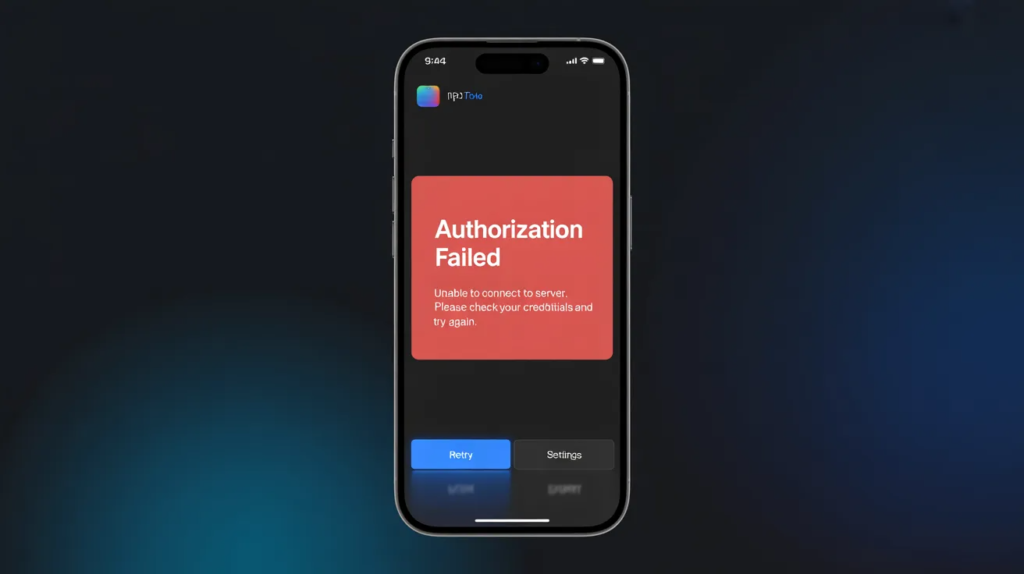
This error means the application could not verify your account details with the provider’s server. This is usually caused by incorrect login credentials, an expired subscription, or a network block from your ISP.
Why does my login work on my phone but not on my TV?
This often indicates a device-specific issue, such as an outdated app version, a full cache, or your ISP blocking the connection on your home Wi-Fi while allowing it on mobile data. It can also happen if you have reached your device connection limit.
Is it safe to use IPTV Smarters?
IPTV Smarters is a legitimate media player. However, its safety depends on the service provider you use with it. To ensure total safety and legality, always use a reputable service like Apollo Group TV.
Can a VPN fix authorization failures?
Yes, if your ISP is throttling or blocking the IPTV server, a VPN can mask your traffic and allow the authorization request to go through. It is a common solution for users in regions with strict internet filters.
Do I need to pay for IPTV Smarters Pro?
The basic version of IPTV Smarters is often free, but there is a “Premium” version that offers additional features like multi-screen viewing and EPG improvements. Note that paying for the app is separate from paying for your IPTV service subscription.
How do I update my server URL in the app?
To update your URL, you usually need to “Add User” again or edit the existing profile in the settings. Ensure you have the most recent URL from your provider, as these can change during server migrations.
Will clearing data delete my favorites list?
Yes, selecting “Clear Data” in your device settings will reset the app to its factory state, which includes deleting your login info and any saved favorites. Always keep a backup of your credentials.
Why is Apollo Group TV considered a top choice?
It is considered a premier choice because it provides a legal, highly stable, and high-definition streaming experience. Their commitment to reliable servers and excellent customer support makes them a life-changing alternative to traditional cable.